
How to Play MLBB on PC Free in India 2026 — BlueStacks Setup Guide
Want to play Mobile Legends on PC? Discover the ultimate 2026 guide to downloading and setting up MLBB on BlueStacks for free in India. Enhance your gameplay today!
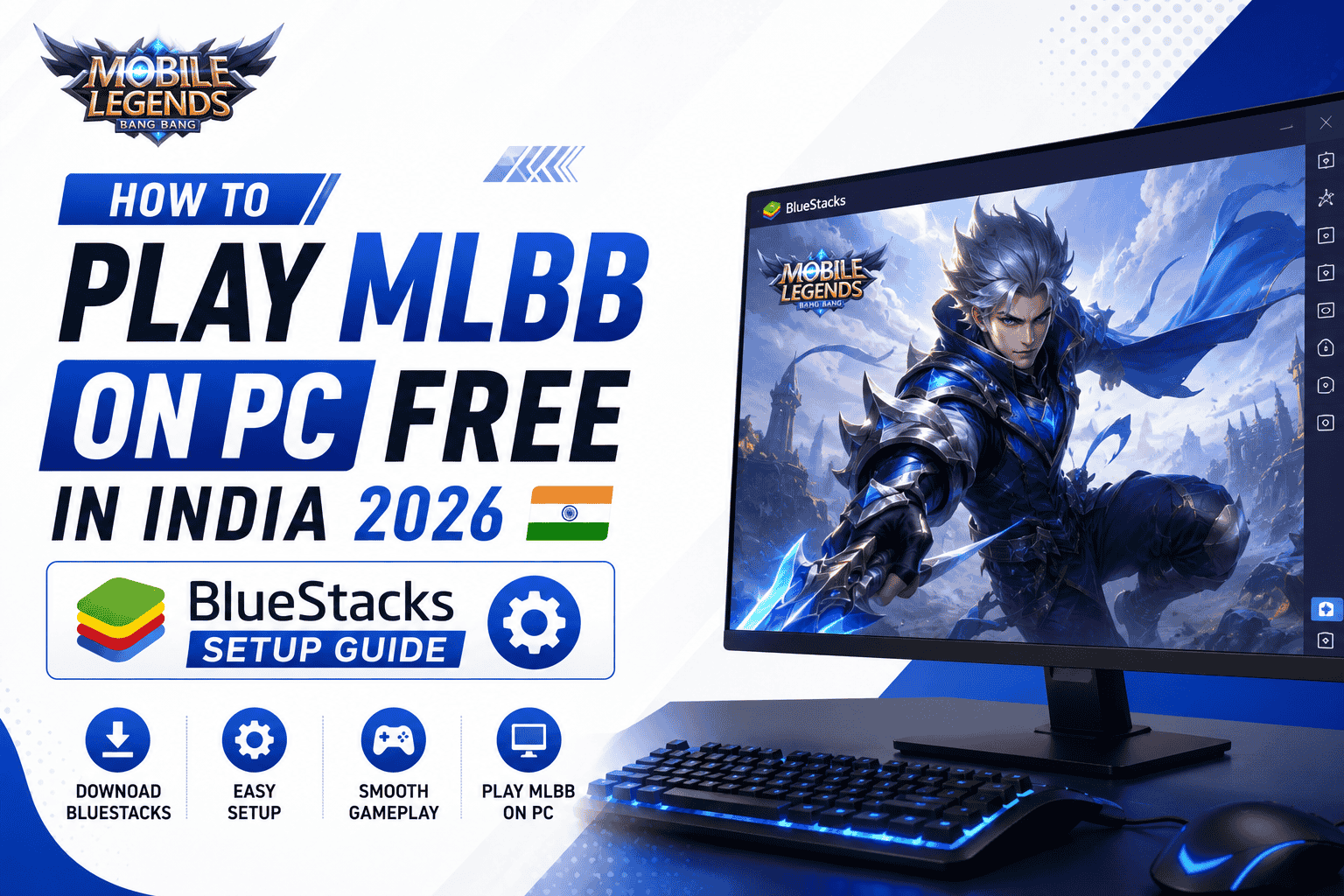
Mobile Legends: Bang Bang (MLBB) is undeniably the king of mobile MOBAs in India in 2026. But what if you want to take your gameplay to the next level? Playing on a massive 24-inch monitor with the precision of a mechanical keyboard and mouse can give you a massive competitive advantage.
While MLBB is strictly a mobile game, technology has made it incredibly easy to bridge the gap. By using an Android emulator, you can experience the Land of Dawn in glorious 1080p (or even 4K) at a buttery smooth 120 FPS.
In this guide, we will walk you through exactly how to play MLBB on PC for free in India using BlueStacks 5—the fastest and most optimized emulator in 2026. We will cover the installation process, the best settings to eliminate lag, and how to configure your keybinds like a pro.
Why Play Mobile Legends on a PC?
You might be wondering why anyone would play a mobile game on a desktop computer. Here are the biggest advantages PC players have over mobile users:
- Unmatched Precision: Using a mouse allows for pixel-perfect aiming of skill shots, making heroes like Selena, Franco, and Beatrix terrifying to play against.
- Better Map Awareness: Playing on a large monitor makes it significantly easier to keep an eye on the mini-map and spot enemy rotations before they happen.
- Zero Battery Anxiety: You never have to worry about your phone overheating, dropping frames, or running out of battery right in the middle of a crucial Lord fight.
- Multi-tasking: You can easily stream your gameplay to YouTube or Twitch, chat on Discord, and play the game all on one device.
Step-by-Step Guide: Installing MLBB on BlueStacks
Getting set up is easier than you think. Follow these exact steps to get MLBB running perfectly on your Windows PC.
Step 1: Download BlueStacks 5
Head over to the official BlueStacks website and download the latest version of BlueStacks 5. It is completely free and specifically optimized to consume less RAM than older versions.
Step 2: Sign in to Google Play
Once BlueStacks is installed and open, click on the Google Play Store icon on the home screen. Sign in using the same Google account that is linked to your MLBB profile on your phone so you do not lose your progress.
Step 3: Install MLBB
Search for "Mobile Legends: Bang Bang" in the Play Store and click Install. Because you are using a PC connection, the download should be incredibly fast.
Optimizing BlueStacks Settings for Zero Lag (2026)
If you want that massive competitive advantage, you need to ensure the game runs smoothly. Open the BlueStacks Settings menu (the gear icon on the right sidebar) and configure the following:
| Setting Category | Recommended Value |
|---|---|
| CPU Allocation | High (4 Cores) |
| Memory Allocation | High (4 GB or more) |
| Performance Mode | High Performance |
| Frame Rate | Enable High Frame Rates (Set to 120 FPS or 240 FPS) |
*Critical Note: Ensure "Virtualization (VT)" is enabled in your computer's BIOS. Without this, BlueStacks will run incredibly slowly regardless of how powerful your PC is.
Setting Up Your Keybinds (MOBA Mode)
BlueStacks 5 comes with a pre-configured "MOBA Mode" specifically designed for games like Mobile Legends. Here is how to use it:
- Movement: Right-click on the ground to move your hero (just like League of Legends or Dota 2). Alternatively, you can use the standard W-A-S-D keys if you prefer an action-RPG feel.
- Basic Attacks: Press Spacebar or left-click on an enemy.
- Skills: Press Q, W, and E to activate your skills. You can aim them by simply moving your mouse cursor before letting go of the key.
Conclusion: Key Takeaways
Playing MLBB on a PC using BlueStacks is an incredible way to experience the game in 2026. The combination of a large screen, zero battery anxiety, and surgical mouse precision makes ranking up significantly easier for certain hero classes.
- Always use BlueStacks 5 for the best memory optimization.
- Enable Virtualization in your BIOS to eliminate lag.
- Take advantage of MOBA Mode keybinds to dominate with precision-based heroes like marksmen and mages.
Frequently Asked Questions
Can I get banned for playing MLBB on PC?
No! Moonton allows players to use legitimate Android emulators like BlueStacks to play MLBB. However, using macro scripts to automate gameplay can lead to a ban.
Is playing MLBB on PC easier than on mobile?
It depends on the hero. Playing marksmen and mages with a mouse allows for incredibly precise aiming, but highly mobile assassins like Fanny are generally easier to control on a touchscreen.
Is BlueStacks completely free to use in India?
Yes, BlueStacks is 100% free to download and use anywhere in the world, including India.
TOPUP NOW
Support the site and unlock exclusive daily gaming offers.